Connect and control
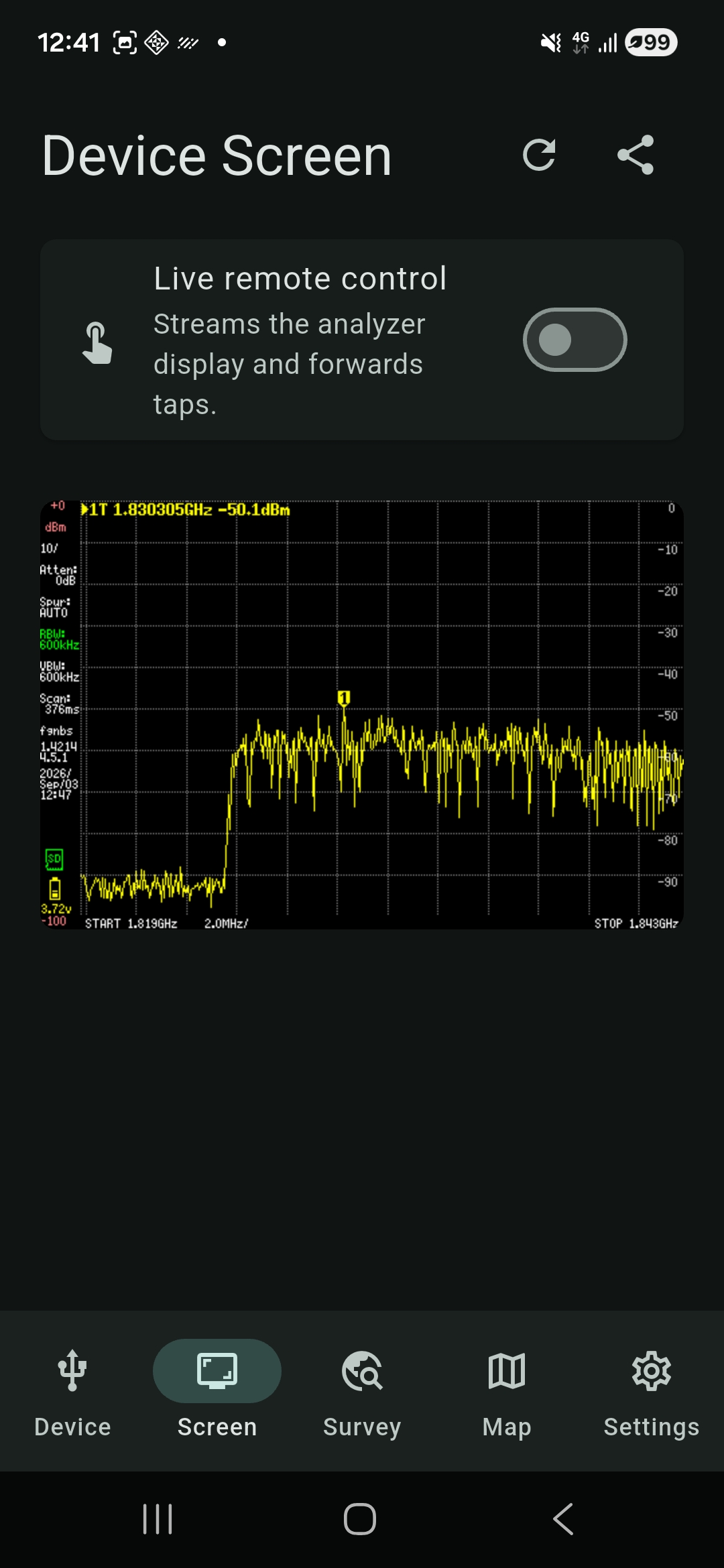
Detect compatible tinySA devices over USB, review model and firmware details, and view and operate the analyzer screen from your phone.
 RF Survey Companion
Connect your tinySA over USB, control its screen, collect repeatable spectrum surveys, and see how signal activity changes across time and location.
Get it on Google Play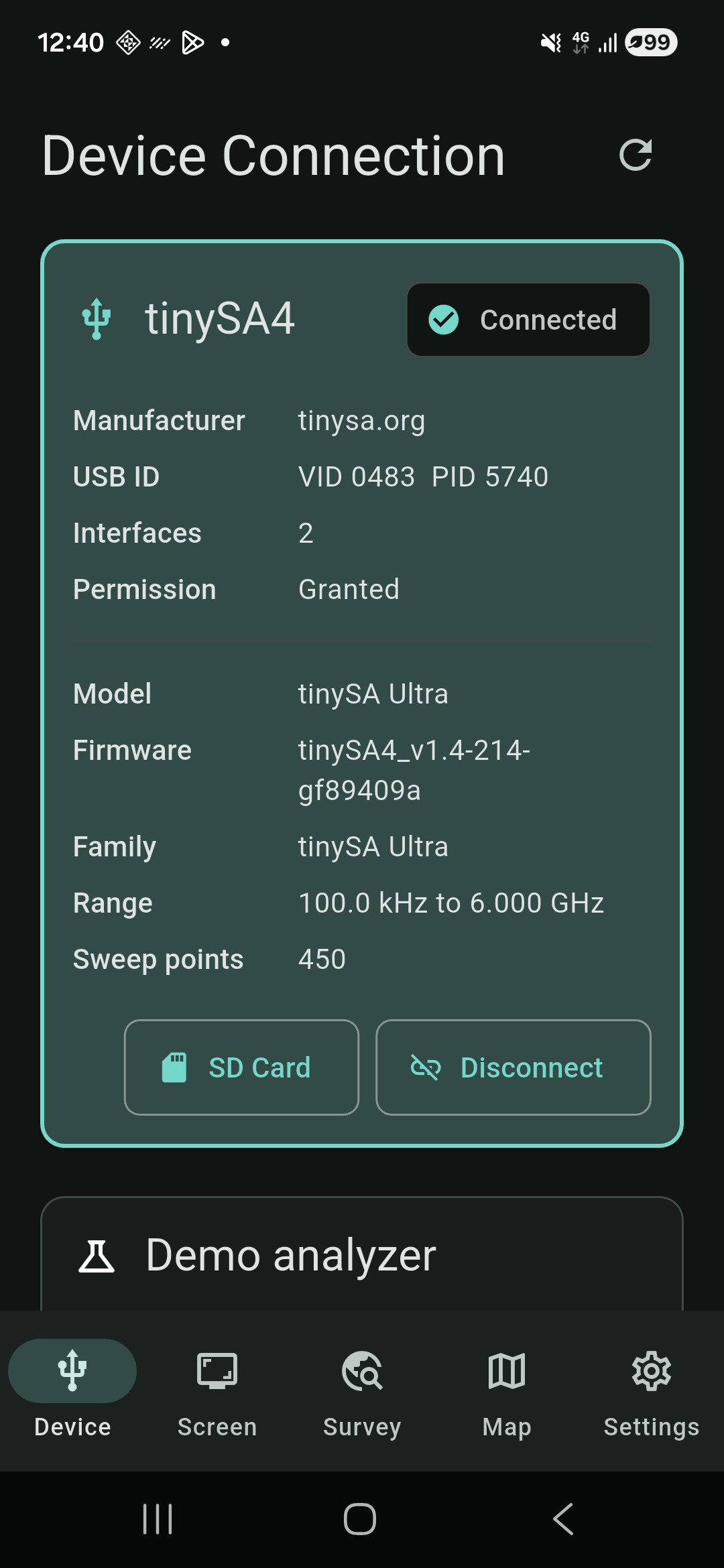
RF Survey Companion extends a tinySA with phone-sized controls, durable survey records, and location-aware views—without pretending a swept analyzer is a real-time I/Q receiver.
Detect compatible tinySA devices over USB, review model and firmware details, and view and operate the analyzer screen from your phone.
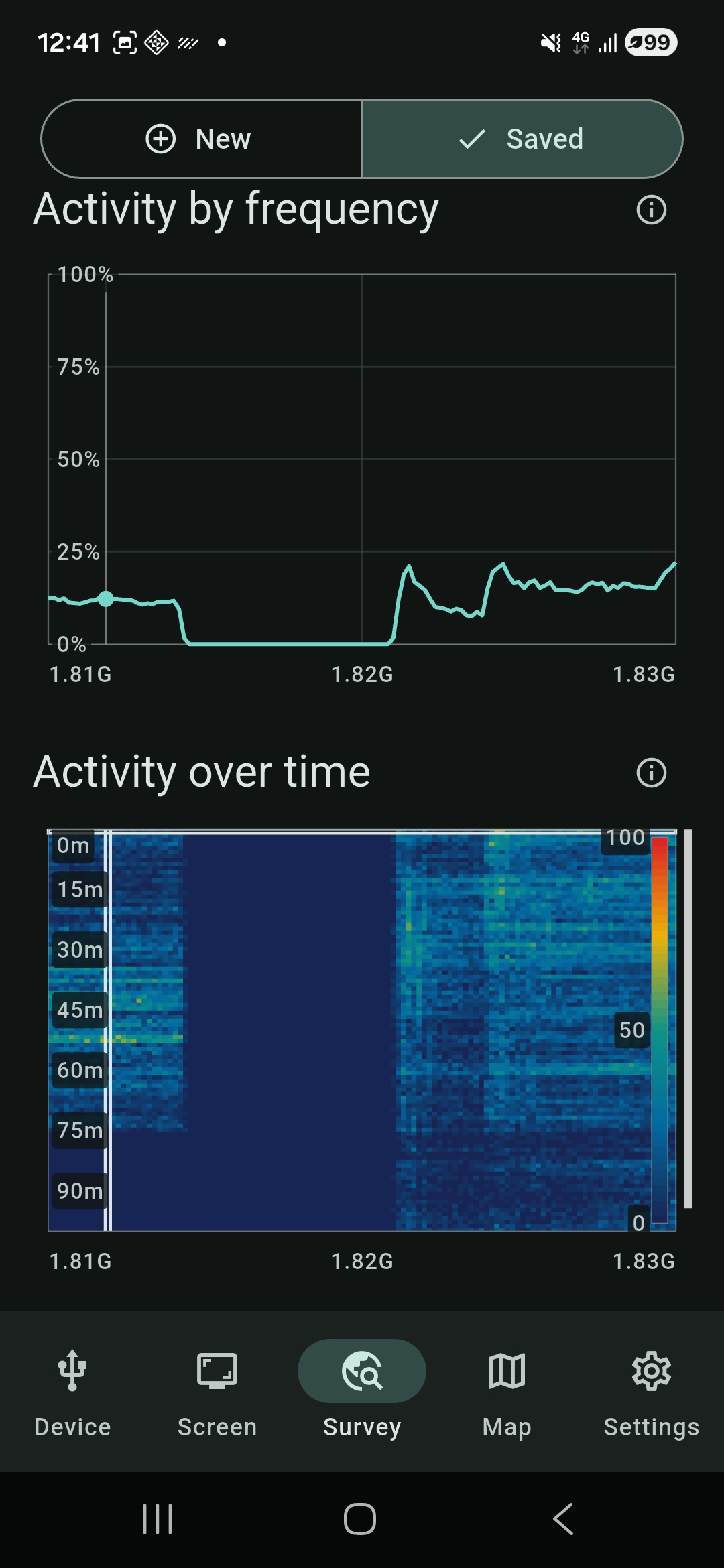
Collect repeated scalar spectrum sweeps and inspect activity by frequency or over time with clear plots and waterfall history.
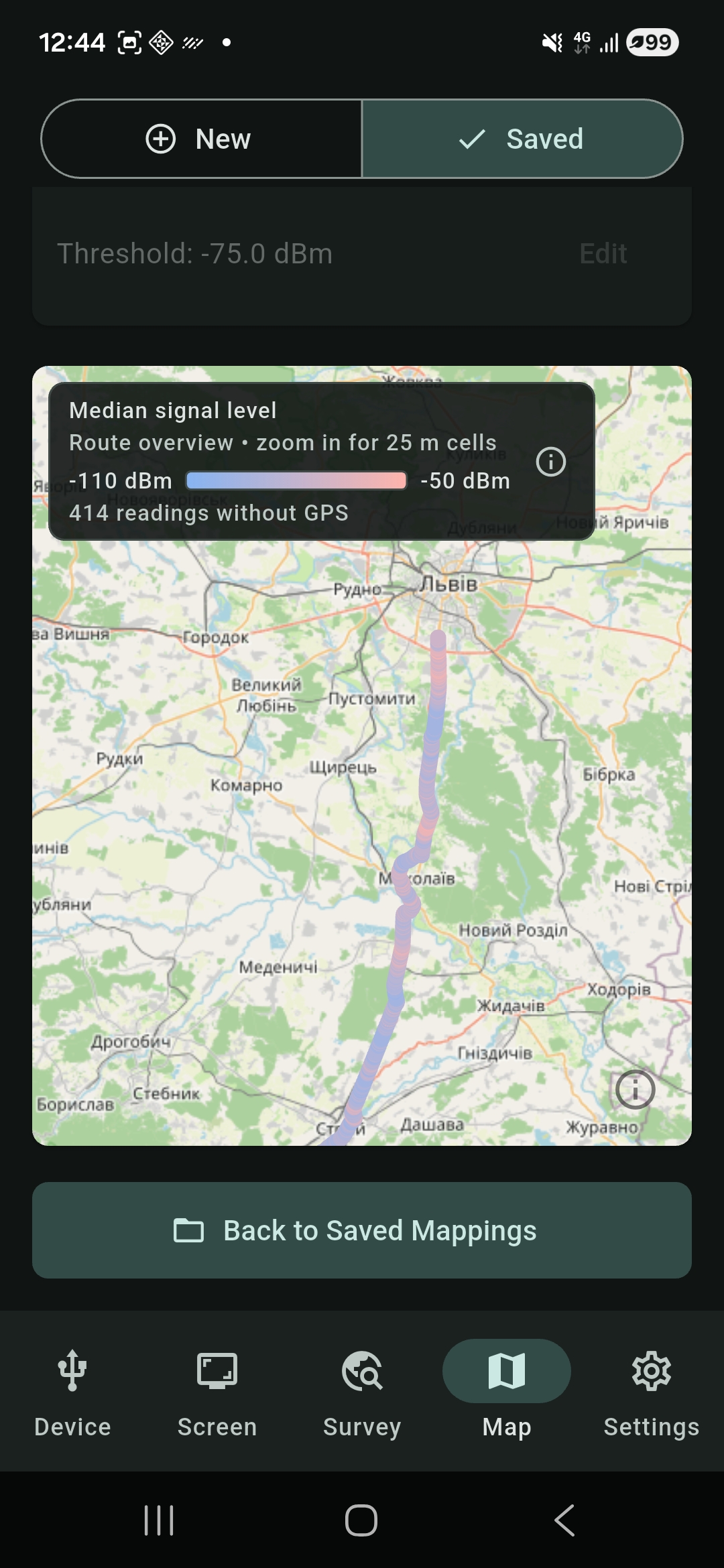
Associate readings with phone GPS locations and review median signal level or above-threshold activity along a route.
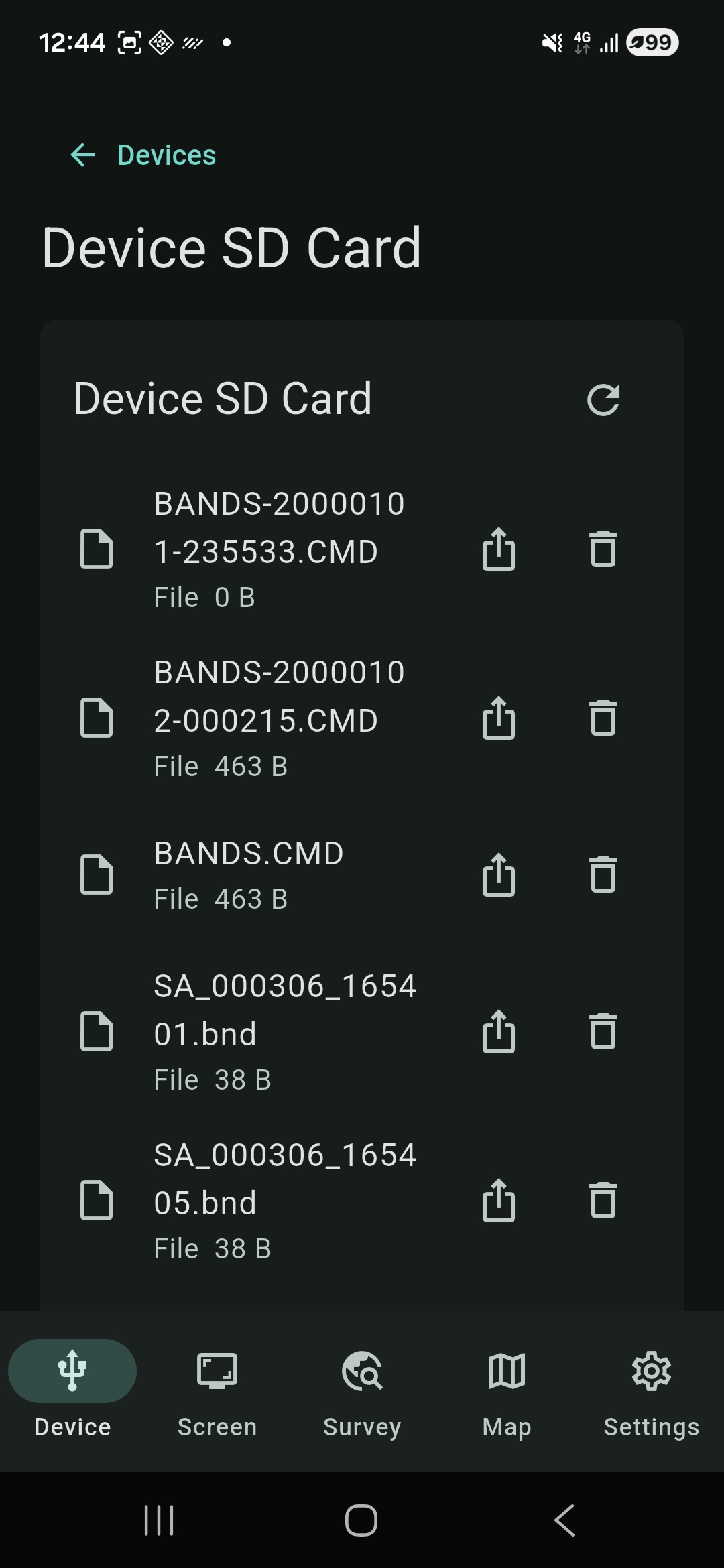
Save surveys locally, revisit selected sweep points, access supported files on the analyzer SD card, and share or export when you choose.
Practical setup and interpretation notes for tinySA measurements with RF Survey Companion.
Choose a capture range and threshold, collect sequential sweeps, and read the activity plots with their limits in mind.
Set a target frequency, understand GPS-linked and unlocated samples, and inspect the saved map.
Work through device discovery, USB permission, and common connection failures.
Swipe through real app screens showing the device, survey, mapping, and file-management workflows.
Capt. Fluffyface Labs
Questions, feedback, or support requests are welcome.